
THE SHORT ANSWER
Before AI analysis, provide the approved brief, final shortlist, commercial scope, content versions, status timeline, cost and normalized results. Ask AI to organize objective, plan versus actual, incidents, decisions, outcome and unknowns without inventing missing causes. Owners verify sources and convert conclusions into actions with owner, due date and validation. A lesson that does not change a template, rule or task is not a postmortem result.
Build a verifiable campaign timeline
Order brief approval, outreach, signature, shipping, concept, rough cut, publication, media, payment and reporting with source records.
AI can identify where delays cluster but cannot infer personal causes without evidence. Separate facts, explanations and hypotheses.
Compare plan, actual and impact
Keep planned value, actual value, variance and business impact for each key metric. Lower views with stronger qualified conversion should not be labeled failure automatically.
Review cost, time, quality and risk together so content metrics do not hide rework and operational load.
Use AI to find conflicts and repeated patterns
Ask the model to identify scope conflicts across documents, recurring incidents, forecast error and open actions, with a source for every output.
NIST AI RMF concepts of governance, measurement and management fit postmortems: define who approves AI conclusions, measure errors and decide which automation continues, changes or pauses.
Keep actions that change future behavior
Write “add a model-confirmation field before shipping, owned by operations and validated next campaign,” rather than “communicate better.”
Connect actions to a brief template, metric definition, automation rule or owner in QuickKOL. The next postmortem should review prior actions before generating new recommendations.
Review AI decisions, not only final KPIs
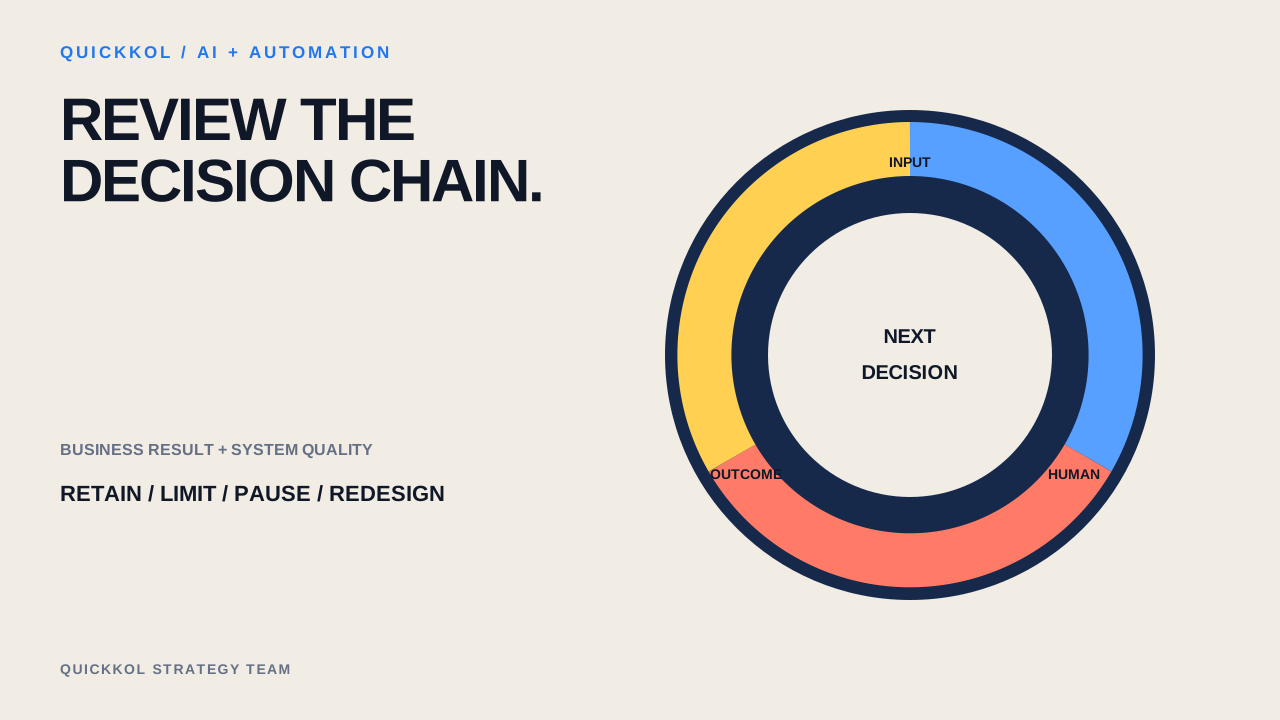
When AI participates in a campaign, review every material recommendation through input, output, human decision and outcome. NIST AI RMF organizes risk work as Govern, Map, Measure and Manage. In a postmortem this means confirming ownership and rules, describing use, measuring errors and human edits, then deciding to retain, limit, pause or redesign.
If AI recommends 80 creators, humans retain 50, contact 45, receive 14 useful replies and sign six, then a sample finds three of ten rationales cite stale content, 30% of sampled rationales require correction. Even when campaign ROAS meets target, that data risk matters because it can scale in a larger batch.
AI campaign postmortem matrix
Record business outcomes and system quality together.
| Stage | Business outcome | AI quality evidence |
|---|---|---|
| Discovery | Candidate acceptance | False inclusion, exclusion, stale data |
| Outreach | Useful replies and agreements | Factual errors, manual rewrites |
| Execution | Timing, rework, risk | Status recommendation accuracy |
| Review | Revenue, lift, learning | Retain / limit / pause |
CHECKLIST
AI campaign postmortem agenda
Ten items turn outcomes into next-run improvements.
- Identify decisions where AI participated
- Preserve inputs and versions
- Compare recommendation, human decision and outcome
- Count false inclusion, exclusion and unverifiable
- Count factual errors and manual rewrites
- Separate business KPI from system quality
- Preserve successful counterexamples
- Assign an owner to every issue
- Choose retain, limit, pause or redesign
- Set measurable gates for the next batch
Sources and further reading
External pages can change. Recheck platform rules, contracts and local law before launch.