
THE SHORT ANSWER
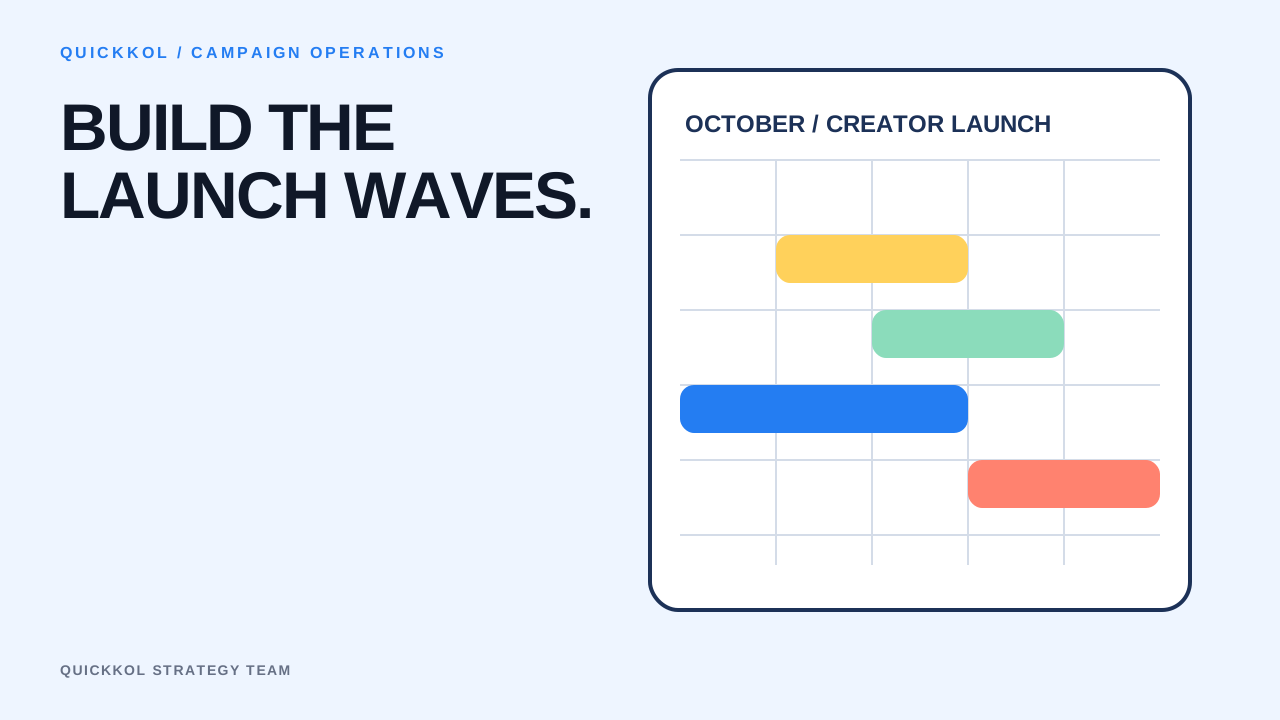
A launch calendar is a dependency map, not a list of publication dates. Confirm product readiness, inventory, landing page, offer and support, then arrange teaser, education, launch, amplification and review waves. Record local time zone, audience overlap, review buffer, link, backup and data snapshot for every creator. Concentrated publishing makes sense only when the objective needs frequency and operations can absorb it.
Work backward from operational readiness
Inventory, page, code, support, ad permissions and analytics events must pass before the first post. Set latest-ready dates and owners, with postponement or backup paths.
Creator production includes shipping, real use, concept, draft and revision. Working backward only from the desired date usually pushes all buffer onto the creator.
Design waves around content jobs
Teaser introduces problem and context, education explains and compares, launch connects product to action, amplification extends useful assets, and follow-up answers new questions. Not every campaign needs all five.
Give each creator one primary job so ten posts do not repeat the same message. Comment and support signals can update later waves rather than locking every asset upfront.
Control audience frequency and team capacity
Estimate overlap and how many assets one person may see in seven days. Eight highly overlapping creators publishing within 24 hours may increase fatigue and response pressure.
Check how much review, community management, inventory and support can absorb. Calendar capacity follows the tightest operational constraint, not the sum of creator availability.
Keep executable delay and backup plans
Give every critical wave a backup asset, creator or movable window, with a named change approver. Do not begin searching for an unrelated replacement only after delay.
Save 24-hour, seven-day and 28-day snapshots using actual publication time. The QuickKOL calendar links asset version, status and dependency so review uses the real cadence.
Use capacity and audience frequency to set waves
Work backward from the first selling day through shipping, real use, concept, draft, review and backup buffer, then schedule 24-hour, seven-day and 28-day data snapshots. Keep local time zone and actual publication time for each creator so one Beijing calendar date is not mistaken for one audience exposure window.
If support can handle 400 new questions daily and similar content creates 18 questions per 10,000 views, a projected first wave of 300,000 views could create 540 questions and exceed capacity. Split eight creators into two waves, publish explanatory content first and update the second wave from real questions. Release density follows the tightest constraint across inventory, review, community and support.
Multi-creator launch wave table
Every wave has a job, capacity and adjustment point.
| Wave | Primary job | Entry condition |
|---|---|---|
| Teaser | Problem and context | Product and page ready |
| Education | Explain and compare | Facts and FAQ approved |
| Launch | Action path | Inventory, link, support pass |
| Amplify / review | Extend useful content | Data and rights confirmed |
CHECKLIST
Launch calendar preflight
Recheck before every wave.
- Product, inventory and page are ready
- Creator local time zones are confirmed
- Content jobs are not repetitive
- Review and backup buffers are adequate
- Overlap and frequency are estimated
- Links, codes and events are tested
- Community and support capacity is sufficient
- 24-hour, 7-day and 28-day snapshots are scheduled
Sources and further reading
External pages can change. Recheck platform rules, contracts and local law before launch.