
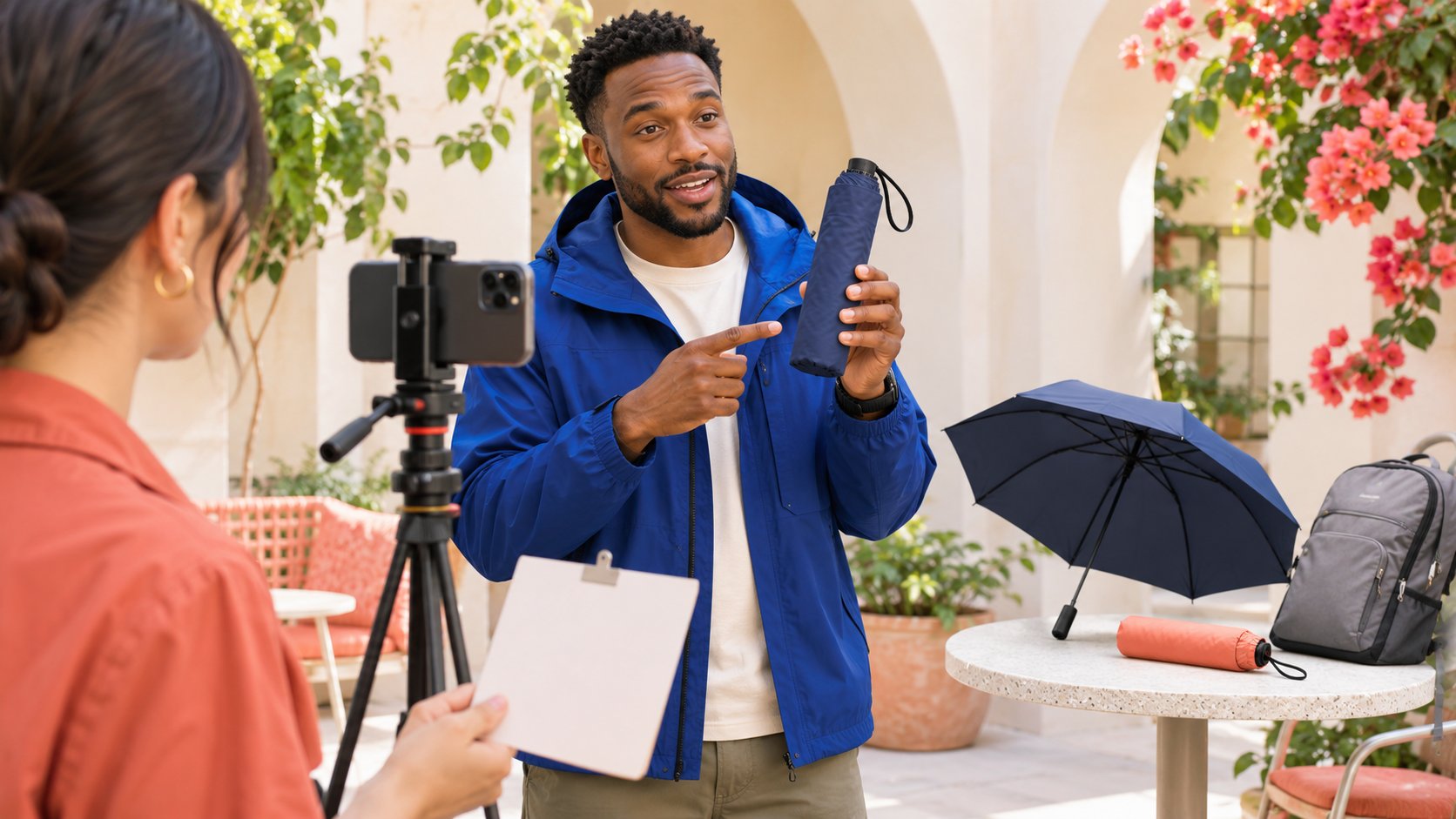
THE SHORT ANSWER
To make a Reel for a creator partnership, define one viewer question, list the shots that answer it, prepare the actual product and setting, record or import footage, edit a clear action sequence, review audio, captions and commercial context, then publish from the agreed account. Instagram menus change, so verify the current creation interface rather than treat an older button location as universal. The brand supplies accurate facts and the task; the creator contributes an explanation consistent with their experience. Content needs should determine length and effects, not the reverse.
Define what a viewer should understand
A request to make a product Reel is incomplete. Turn it into an answerable question: how an item opens, where it fits when folded or why a step is performed in a particular way.
One question need not carry every selling point. If the brand also wants material explanation, model comparison, buying conditions and a complete experience, decide whether these are already multiple assignments.
The Reels brand-explanation article helps identify the content's role. This guide turns one question into a shot list, with every shot explaining what it answers rather than occupying time because it looks attractive.
Confirm that the question fits the creator's actual experience. If they have not performed the action, allow use and discussion before scripting a successful personal conclusion. A useful opening decision is something the creator can evaluate and the editor can later check against the finished work, rather than an abstract requirement to make the video engaging.
Organize an opening, action, detail and conclusion
An opening establishes the situation, action shows the process, detail makes the important part visible and a conclusion returns to the question. This is an editorial structure, not a mandatory template for every work.
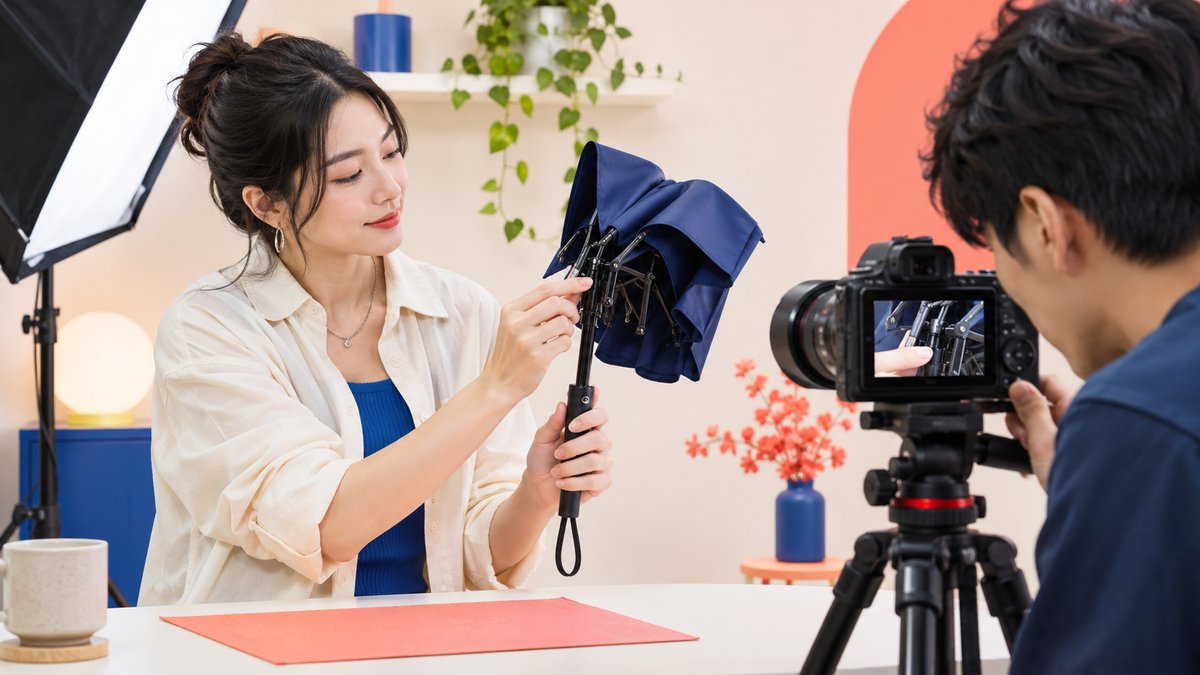
For a folding-umbrella demonstration, establish the carrying context, show opening and folding, then add a hand-detail shot. Do not replace real operation with unverified weather effects or infer every performance characteristic from one demonstration.
Describe what each shot must reveal, not only wide or close. A close-up that still hides the important action has not answered the question.
Check for missing connections: can a viewer understand the state before and after the action? Additional footage should fill a comprehension gap, not merely make the edit appear more elaborate. This also makes filming requests clearer to a creator working alone, because they know which information a second angle should supply before spending time recording it.
Prepare for the actual conditions of use
Confirm the model, correct accessories, actual action and the creator's ability to explain it in the setting. Do not discover during editing that the demonstration used a different version.
Check whether light, background and sound make the action understandable. A partnership does not automatically require replacing every device; viewers need to see and hear the information relevant to the question.
If another person helps, identify who operates, films and checks product facts. The creator can retain their expression while the brand identifies factual errors; these are compatible responsibilities rather than one interchangeable role.
Allow a practical response to changed conditions. If preparation is incomplete, confirm the next step instead of inventing experience, borrowing unrelated footage or forcing an unsuitable demonstration. A realistic production arrangement preserves the possibility of an accurate answer, including the option to revise the original question after the creator has actually handled the product.
Recording and importing are production routes
Use the Reel creation route offered in the current app to record, or import footage you have prepared. Verify button positions and available tools in the actual interface; this research did not establish a universal signed-in menu path.
Meta’s 2026 Edits creation guide describes mobile video creation, teleprompter support and idea organization. Tools can assist preparation and editing without deciding the content of a shot for the brand and creator.
Record a short sample first and check framing, visible action and usable sound. Adjust before filming the remaining material instead of discovering afterward that the central action was outside the frame.
Retain original footage and clear versions for correction. The only usable file should not exist solely in a chat preview, and a successful export does not establish readiness to publish. The production route should serve the explanation rather than force the team to accept an unclear take because a particular tool made it easy to produce.
Edit for the meaning of the action
Arrange shots in an understandable order. Remove waiting or repetition without using cuts that misrepresent the process, conditions or product's actual role.
Give an important action enough screen time to be understood instead of losing it to a music beat. Conversely, shorten footage without a contribution rather than retain it to satisfy a predetermined duration.
Check that voiceover corresponds to the visible action. Talking about a button while showing storage, or describing one condition over another result, can produce a polished sequence that does not support its conclusion.
Ask someone absent from filming to describe the steps after watching. This editorial check is not market testing and does not predict distribution, but can reveal gaps a product-familiar team overlooks. Use their description to locate the missing explanation rather than ask only whether they liked the video; liking alone does not show that the action or its conditions were understood.
Use sound and captions to complete the explanation
Speech should carry the main explanation without music masking it. Listen to the actual export instead of relying only on a volume value inside the editor.
Check captions for names, models, actions and conditions, especially recognition errors that change meaning. The presence of text does not establish that a silent viewer can understand the work.
Confirm music suitability for the commercial use and agreed channels separately. A sound selectable in an app does not automatically provide a brand with every reposting, advertising or cross-platform right.
The U.S. Copyright Office’s copyright overview explains protection for original expression. Check specific music and footage according to source and intended use rather than infer permission from visibility or exportability. A version with clear speech and confirmed audio scope is more usable than a version built around a popular recording that the team cannot appropriately use for the actual deliverable.
Align product facts, experience and commercial context
The brand checks model and facts; the creator checks their experience statement. Do not turn useful for me in this use into a conclusion for everyone in every condition or cut an important limit from subtitles.
FTC’s influencer disclosure guide explains material-relationship disclosure in applicable US contexts. Review the actual video and caption rather than leave a general instruction only inside the brief.
For brand-channel use or advertising, confirm permitted uses and modifications. Appearing, producing, publishing and advertising are not automatically included in one ambiguous fee.
Make review comments specific to a version and sentence. Agreement does not require every line to sound like a brand advertisement; it requires genuine experience, accurate facts and understandable commercial context to coexist. This gives both sides a clearer basis for approving the work than a general request for stronger claims or a more enthusiastic tone.
Keep the cover and caption on the same question
A cover can signal the subject without promising an answer the video does not provide. A Reel demonstrating how an item folds should not be packaged as a test of every performance characteristic.
Use the caption for relevant conditions and context, checking account mentions. If there is a destination, explain its relation to the video rather than retain a different model or ended offer in the publishing version.
The Reel production-review article connects footage with publication. Before scheduling, identify who uses which version, on which account and what native-app actions remain.
If something is unconfirmed, retain a pending version with an owner rather than make a creator or publisher guess at the last moment. A planned time is useful only when it connects to usable work. The cover, caption and video should form one explanation, not three independently approved elements that make incompatible promises when combined.
Check the live work before planning the next Reel
After publication, inspect the actual media, captions, sound, cover and text, then record the live URL. Saving a draft, completing an export and publishing are different stages.
Questions about a missing step can inform the next piece of content. One reply does not represent every viewer, and views should not be reported directly as purchases or brand approval.
If the work failed to explain the original question, identify the missing shot or condition before adding effects. Corrections or follow-up should address an actual comprehension issue.
The influencer-marketing answer to how to make a reel is ultimately a work with a real contribution: what a viewer understands, why this creator can explain it and how the brand supports accuracy. Tools help complete production without deciding those questions. Keep the next assignment connected to what the finished work revealed, allowing a clearer explanation to matter more than simply producing another video.
Give a pickup shot a specific purpose
If reviewers cannot understand how the umbrella folds, request a pickup showing the continuous action from folding to placing it in its sleeve, rather than ask the creator to remake a more atmospheric video.
Check existing footage for a useful angle before commissioning another recording. Define the pickup scope and delivery version so one comprehension gap does not silently become a requirement to remake the whole work.
After inserting the shot, check the neighboring sequence and voiceover again. Additional footage can improve explanation without pretending that an action filmed under different conditions was part of the original experience.
Research date and limitations
Sources reviewed November 18, 2026. Methods, tables and decision rules are editorial recommendations. Hypothetical examples are not actual client results or industry benchmarks. Source geography and periods are specified where relevant.
From question to shot
Editorial structure, not a platform requirement or performance guarantee.
| Content need | Shot task | Review question |
|---|---|---|
| Establish context | Show the actual setting | Why this setting? |
| Show action | Retain important before-and-after states | Is the process understandable? |
| Explain detail | Reveal the relevant part or action | Does the close-up help? |
| Conclude | Return to the question and conditions | Does it exceed the demonstration? |
CHECKLIST
Reel filming and publishing checklist
Let each step serve the same viewer question.
- Define one answerable question.
- Plan opening, action and detail shots.
- Check model and actual conditions.
- Review audio, captions and music use.
- Confirm experience, facts and commercial context.
- Check the publishing version and retain its URL.
Sources and further reading
- 01Meta’s 2026 Edits creation guide
- 02U.S. Copyright Office’s copyright overview
- 03FTC’s influencer disclosure guide
External pages can change. Recheck platform rules, contracts and local law before launch.