
THE SHORT ANSWER
A sponsored carousel works when viewers need to examine several pieces of evidence in order. The brand defines the audience and the decision. The creator plans the opener, details, demonstration and conditions, then shows enough of the actual product to deliver the promise. Put disclosure where viewers encounter the recommendation. Accept the sequence after a phone review of wording, crop and next action. When continuous motion or sound supplies the essential evidence, commission a format that can show it clearly.
Choose a carousel when the creator’s job needs a sequence
Meta’s Instagram multi-item post announcement introduced publishing multiple photos or videos together. For a brand, the relevant capability is allowing viewers to examine details at their own pace. A gardening creator can show grip, nozzle and water flow in order. A viewer can pause on whichever detail matters. When the demonstration depends on continuous motion or sound, a video may be easier to follow. For a brief update, a creator Story sequence brief can help structure a temporary format. Confirm the creator’s actual publishing options and media support instead of inferring a current slide limit from an older announcement.
Write the objective as an action or decision for the viewer. Examples are choosing a nozzle for a windowsill planter or assessing whether the handle gives enough grip for a small hand. If the campaign primarily needs awareness, ask whether the creator can make the main point on the first slide before commissioning a longer sequence. Let the number of slides follow the evidence needed. Write one sentence about the job of every proposed slide. If two slides answer the same question, keep the clearer view and spend the production effort on a detail the sequence is missing.
Sequence the storyboard in the order of the viewer’s decision
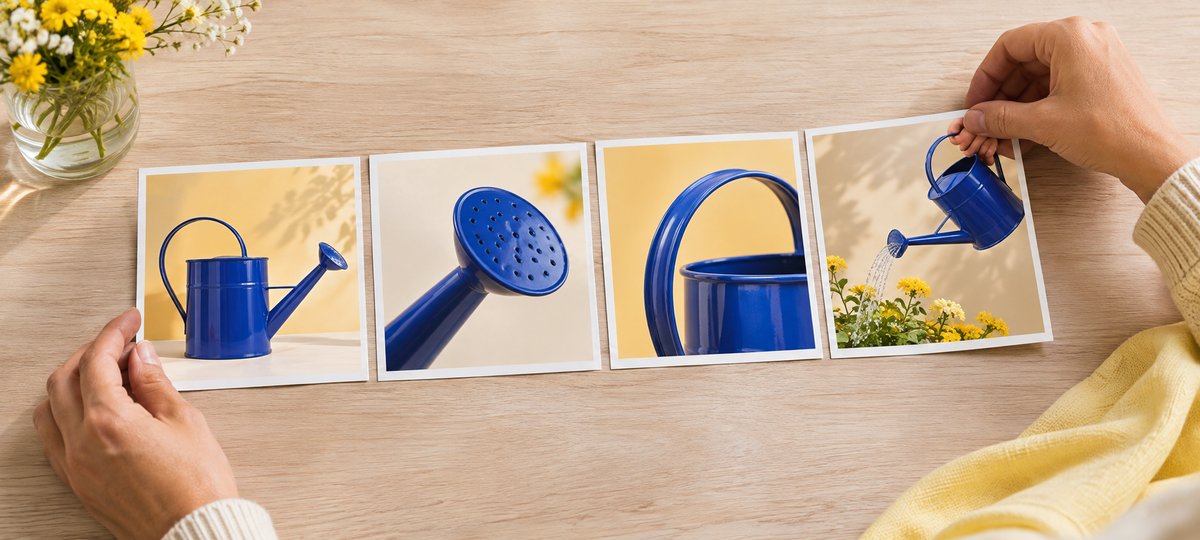
Suppose a gardening brand asks a creator to demonstrate a watering can. Open with the relevant context, such as a narrow windowsill, and show what the sequence will help the viewer compare. Use the next slide for a nozzle close-up with a hand or planter for scale. Show the grip and pouring angle on the third. Use the fourth to demonstrate water flow and a relevant limitation. Close with a next step, such as checking the dimensions against the planter at home. Keeping the same prop and a coherent lighting setup helps the reviewer see which buying question each shot answers.
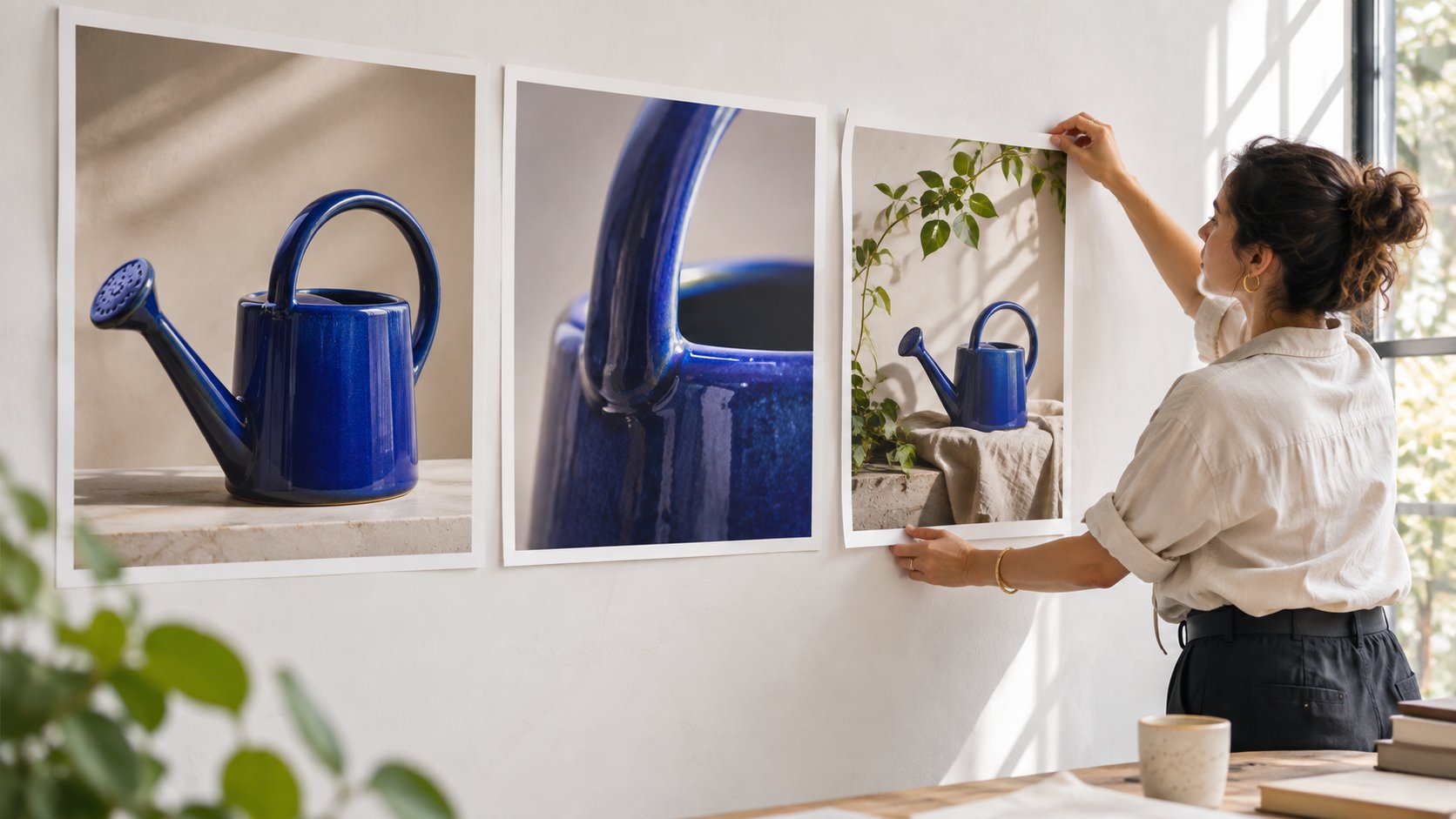
Before filming, give each slide fields for the proposed frame, key information, visible evidence and approver. Decide where the creator needs a wider shot and where a detail needs to be in focus. Flag specific concerns for the creator, such as whether the nozzle holes near the edge will survive the phone crop. Let the picture carry the claim where it can. Repeating the same sales line on every panel consumes space that could show a different angle. The example storyboard uses a blue watering can to demonstrate the sequence from whole product to nozzle, grip and use context.
Match product claims to visible evidence
Distinguish demonstration, the creator’s subjective experience and objective performance on each slide. A photo can show a narrow stream, the tilt of a can and the soil under it. A claim that the product works for every houseplant would need evidence beyond that photo. Give the creator approved wording and specification sources, then allow them to describe what happened in their own use: for example, that a particular planter was easier to water under the conditions shown. Put those conditions beside the result. A different nozzle, a half-full can or an outdoor setting can materially change what the image shows.
When a category has safety requirements, flag prohibited shots, required steps and the reviewer before production. If the creator discovers a new selling point during filming, check the evidence before adding it. Tie approved wording to the asset version. A creator may have received samples from two production runs. Log the model used on screen, so a new product specification is not placed on an older product photo. Have the product owner confirm the mapping during review, while the production team can still correct it.
Make disclosure clear on first viewing
Where there is a commercial connection, plan a clear disclosure appropriate to the market and brief. In the U.S. context, the FTC’s influencer disclosure guide emphasizes making disclosure easy to notice near the endorsement and considers disclosure within image content. The creator can place a clear disclosure on the appropriate opening or endorsement panel, backed by caption wording and any applicable platform label. A viewer should be able to understand the relationship without reaching the final slide or expanding hidden text. Verify contrast, mobile crop and language with the intended viewer in mind.
For co-publication, Meta’s Instagram Collabs announcement describes co-authorship after an invitation is accepted. Keep co-publication and sponsorship disclosure in separate fields. Adding the brand as a collaborator does not satisfy every applicable disclosure requirement by itself. Decide who starts the post, who accepts the invitation and who can change the copy in an urgent correction. Open the actual live post and check how the commercial relationship and collaborator status appear. If something is missing, send the publishing owner the specific panel or field that needs attention.
Put the design through a real phone review
Swipe through the final draft on an ordinary phone. Check that the first slide’s product and main point are understandable without zooming. Look for crop, missing text or order mistakes on the following slides. Consider contrast, translations that expand in length and whether key visual information can be expressed in meaningful alt text or a caption. Compare caption copy and artwork for inconsistencies in each language version. Meta’s Edits carousel announcement can help identify an editing capability. Use the creator’s actual preview and export as the acceptance evidence.
Try a smaller screen with reduced brightness. Limit the first slide to one clear cue, then let the rest of the post explain the details. Keep a discount code and disclosure inside the area that remains legible after cropping. Give files an explicit order, language and version. Send the publisher a contact sheet alongside the final assets, so they can verify slide order and catch an older image with unapproved wording before it gets published.
Run a silent swipe test before launch
Give the sequence to a colleague who has not seen the brief and ask them to swipe without reading the caption. Have them explain what the first panel promised, what the fourth established and what the last one asks them to do. If they cannot tell the third and fourth panels apart, check for a missing result or two photos that only differ in angle. Let the creator decide whether to reorder or reshoot. If the frames are accurate but the logic is unclear, test a new order first. When requesting a reshoot, name the evidence needed, such as a visible change in water flow after fitting the other nozzle.
For video slides, verify that a muted viewer can understand the important action. Check the opening frame and orientation. Put important spoken limitations in readable text or captions. Verify that the transition still relates to the same product. Assign distinct acceptance items to product, compliance and the creator. That gives the brand a way to approve the content without making one person judge copy accuracy, sponsorship labeling and creative quality from the same thumbnail.
Give feedback on the evidence a creator needs to show
Suppose a gardening creator supplies a five-panel watering-can carousel. The product and opener are correct, but panels three and four both show the nozzle close up. A shopper cannot see how the water flows after fitting it. The brand can request a visible example of the fitted nozzle in use with the relevant conditions. The creator chooses whether to reorder or reshoot. Tie the acceptance note to the panel, file and approved version.
If the contract also buys an ad edit, give that version its own review. Removing one slide may remove a condition, disclosure or step that made the demonstration understandable. Hand off the organic and paid sequences separately. Have the publisher confirm the live asset, sponsorship label and next action from the actual account. This gives the sponsor a verifiable deliverable while leaving room for the creator to decide how best to show the evidence.
Verify the live post and review the intended outcome
Open the live post from the viewing context agreed by both teams. Check the URL, publishing account, slide order, disclosure, caption and promised destination. Record co-publication or paid delivery, the release time and a baseline screenshot. If the brief is meant to help viewers choose a model, prioritize evidence relevant to that decision: substantive questions, saves or tracked visits to the intended page. Use an Instagram format measurement guide to separate reach from particular actions. When the available reporting cannot show slide completion, saves and interactions cannot stand in for it.
Suppose the carousel reaches 8,000 accounts and receives 55 saves. Its last panel directs readers to the bio link and the campaign records 24 attributed visits. Report those three observations separately. The visits do not establish that 24 people saw every slide. Saves and visits should not be added as purchase intent. For the next test, change one major variable, such as moving the product demonstration from panel three to panel two. Keep the format and observation window comparable, then see whether the relevant questions change or whether visitors can complete the promised action at the destination.
Research date and limitations
Sources reviewed November 9, 2026. Methods, tables and decision rules are editorial recommendations. Hypothetical examples are not actual client results or industry benchmarks. Source geography and periods are specified where relevant.
Five panels for a product carousel
The example slide count follows the creative brief.
| Panel | Job | Check |
|---|---|---|
| 1 Context | Show why to swipe | Readable opener and clear disclosure |
| 2 Detail | Show nozzle and scale | Detail in focus |
| 3 Action | Show grip and angle | Orientation matches use |
| 4 Result | Show flow and conditions | Limitations stay near the result |
| 5 Next step | Offer a fit check or destination | Destination shows the same model |
CHECKLIST
Carousel release checklist
Have the publisher and brand each acknowledge the review.
- Swipe the opener, detail, action, limitation and next step in order.
- Check crop, text and disclosure on a phone.
- Verify account, caption, destination and collaborator state.
- Save the live URL and reporting window.
Sources and further reading
- 01Meta’s Instagram multi-item post announcement
- 02the FTC’s influencer disclosure guide
- 03Meta’s Instagram Collabs announcement
- 04Meta’s Edits carousel announcement
External pages can change. Recheck platform rules, contracts and local law before launch.