
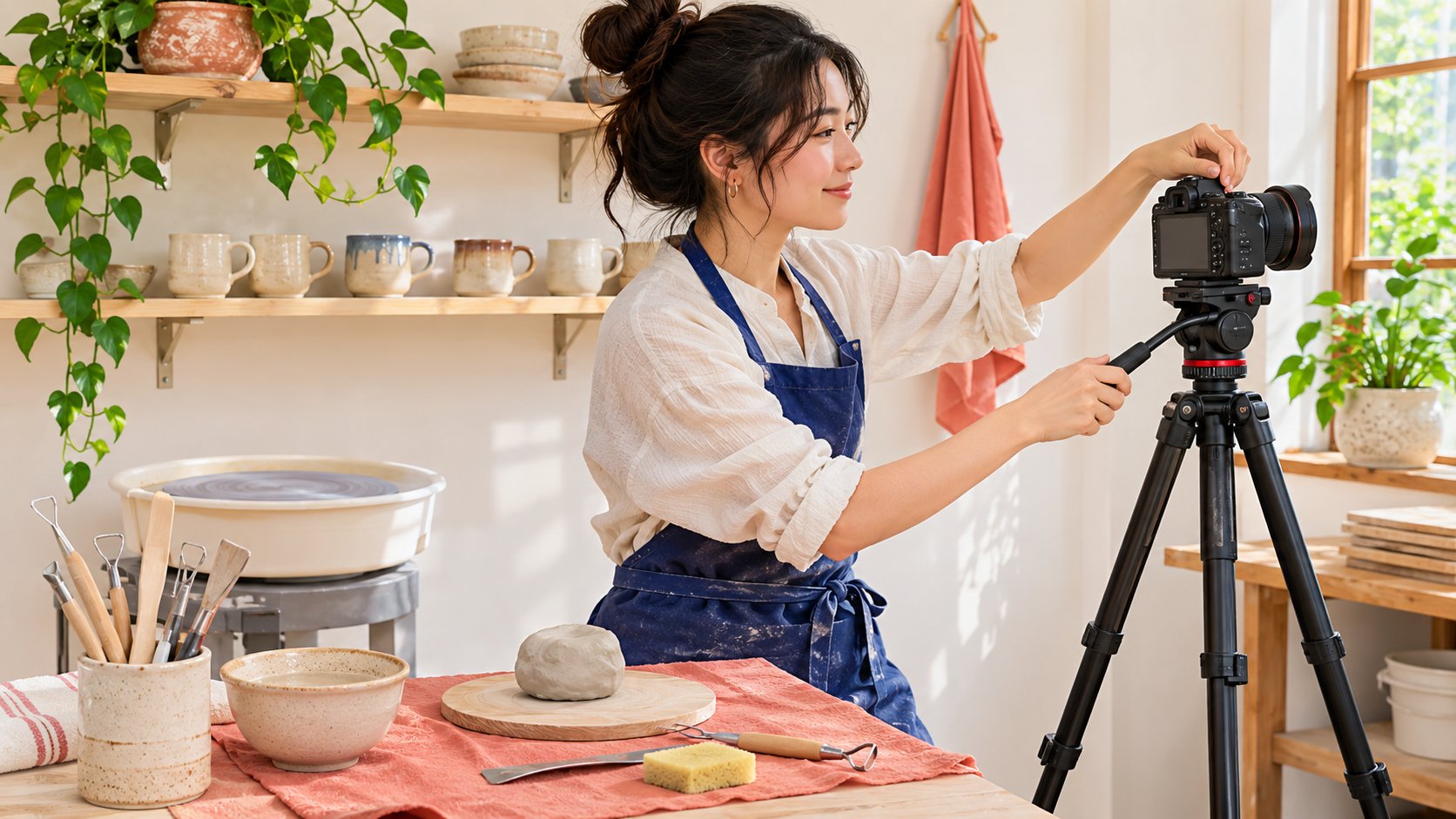
AI-generated editorial illustration. The scene is fictional.
THE SHORT ANSWER
To create a YouTube channel for a creator partnership, first establish who holds it and what viewers should expect. An authorized person can follow the official creation route to select the identity, name and handle. Use appropriate delegated roles rather than sharing a Google password. The first release also needs a real product, approved version, disclosure, comment arrangements and publication verification. A channel that opens successfully is only a starting point. It does not establish an audience, rights to creator assets or eligibility for monetization. The launch becomes reviewable when the identity, work and receiving operators are all clear.
Define the role of the new channel
A brand may need recurring product education or a content destination for one event. Establish who will update it, answer questions and maintain outdated material. If the purchase actually needs a creator’s existing audience, a new brand channel does not supply equivalent distribution. Production and original-account publication can both be considered, but their scopes need separate confirmation rather than being assumed within one fee.
Use the channel series ownership guide to settle account and program ownership before moving into this article’s setup and launch checks. State the promise in one audience-facing sentence, such as demonstrating actual operations for a defined tool category. The first video need not contain everything the business wants to say. A defined role guides naming, introduction, initial work and ongoing responsibilities. It turns account creation into preparation for real communication rather than treating registration as the completed creator strategy.
Use the correct identity and official creation route
YouTube’s channel creation guide distinguishes a Google account from a public channel and provides personal and business-name routes. The person creating it should first inspect the signed-in identity and existing channels so personal details do not accidentally become a brand’s long-term asset. Use the official computer or mobile-site route as a reference, checking the actual controls available to that account.
Follow the current account or channel-list route, choose creation, confirm the name, picture and handle, and complete the process. Decide who approves those details before trying to reserve a name; do not impersonate another person or partner. Retain the resulting channel URL and responsible owner for the next operator. This article has not registered an account for the reader. The authorized person decides the real account and any applicable terms. A documented setup route is useful guidance without being evidence that the brand’s particular channel has already been created or approved.
Separate collaboration access from ownership
YouTube’s channel permissions guide describes delegated roles without sharing the Google account. Check what the current role can actually do, particularly uploading, publishing, revenue visibility and permission management. Giving a production contributor enough access does not mean granting every management power. Delegated channel access is also different from an ownership transfer.
List ownership, production, review, publication and analysis roles. One person may hold several, but the confirmation object for each remains distinct. After an invitation, confirm acceptance; sent does not mean operational. Arrange appropriate removal and information handoff when collaboration ends. The role record should help the next owner continue without containing passwords or recovery codes. It should also identify which task would fail if one person became unavailable. That reveals whether the launch has a reasonable backup or depends on an informal login arrangement that only its original participants understand.
Check capability on the actual surface
A role being able to perform a task in Studio does not establish support across every product, app or API. The official permissions guide distinguishes surfaces and limitations. Have the actual operator check the current workflow within appropriate scope rather than promising automatic publication or complete reporting from a demonstration menu.
If an action is unavailable, reconsider the role or method instead of immediately expanding access to work around the issue. Ask whether the assignment genuinely needs that capability, then let an authorized owner choose the appropriate route. A creator may instead deliver an asset for a brand-authorized operator to publish, provided scope and acceptance are clear. Capability checking keeps the arrangement executable without asking either side to surrender an entire account as evidence of willingness. The handoff should say which surface was checked, by whom and for which task so that a future team does not extend one successful test into an unsupported universal promise.
Prepare a complete first-release package
The first piece needs an object, audience question, actual action, factual sources, wording and destination. Use the creator brief to identify who provides the product, confirms facts and supplies genuine trial time. A new account does not justify presenting untested scripted praise as experience. Rehearse whether the essential action is visible before adding decoration.
The title, description, cover and video should describe the same assignment. A cup-cleaning demonstration should not imply suitability for every material through an expansive channel promise. Retain the approved asset and version rather than asking a publisher to guess the final file in a chat. When a change affects a claim, shot or permission, obtain the appropriate reconfirmation. First-release preparation produces an acceptance-ready package, not merely a blank channel. This makes a late change discussable as a specific task and prevents a new account’s launch deadline from becoming a reason to skip the factual work the creator partnership requires.

Review disclosure and permissions in the final piece
FTC’s influencer disclosure guide supplies material-connection context for U.S.-relevant content. Review payment, samples and other arrangements against the actual circumstances instead of assuming a brand-owned channel explains every on-camera person’s relationship. Appropriate owners still need to check applicable requirements; regional guidance is not a universal answer.
Production, publication, re-editing and advertising may involve different permissions. Receiving a file does not grant unlimited use, and a public channel does not supply missing music or third-party footage rights. Confirm sources and scope with the final video. The creator can see how work will be used, and the operator knows who approves later excerpts. That is more manageable than trying to obtain permission after release. Keep the approved version linked to the relevant scope so that another team cannot mistake the fact that the channel holds the upload for unrestricted ownership of everything visible or audible in it.
Assign comment and maintenance owners
YouTube’s comment settings guide notes that defaults and existing-video settings need not move together. Confirm the actual piece before release. If the brand invites questions, somebody must receive and handle them. Separate product facts, orders and general feedback instead of asking the creator to make merchant commitments they cannot verify.
A channel also retains information over time. The handoff should identify who checks outdated links and descriptions after product changes or the partnership ends. Retain necessary records without copying audience personal information into a marketing list. Sustainable maintenance matters more to the next collaboration than the first day’s upload action alone. A named receiving owner can distinguish an immediate correction from a later content update, and can decide when an old demonstration needs a visible limitation rather than being left online with a product condition that no longer applies.
Rehearse the handoff without publishing
Have the next legitimate operator locate the channel, asset, wording, comment plan and permissions from the approval record. An appropriate unpublished draft may test the workflow, but there is no need to publish meaningless test content or start real advertising or payments. If the operator depends on a private password or a guessed version, repair the handoff first.
Suppose the brand holds the channel, a creator delivers a demonstration, an editor prepares captions and an assigned publisher handles release. If the editor can upload but cannot complete a required publication action, the designated authorized publisher can handle it rather than promoting everyone to manager. Confirm account readiness, asset readiness and release readiness separately. Creating a channel then becomes verifiable collaboration preparation instead of an advance guarantee about audience or performance. The rehearsal should close with one owner for any unresolved condition, allowing the team to launch when ready rather than treating the existence of the account as approval to proceed.
How a first-release handoff exposes an access gap
Suppose the brand creates a channel, invites an external editor to prepare the piece and assigns an internal owner to the first release. The editor can complete a draft, but the brand assumed that person would also handle a native publishing action. Check the role and purchased scope to establish who actually committed to that step. An access gap is not a reason to transfer ownership to an external contributor or share the brand login.
Create an executable handoff: the editor supplies approved media, captions and version notes; an authorized publisher checks the destination channel and final controls; product staff confirm the model and facts; the content owner checks disclosure and permission. If one person handles two steps, retain the two different confirmation objects. Record an invitation sent, invitation accepted and ability to perform the task separately.
Then ask a backup operator to identify the next step using only the package. If it points to a personal test channel, an old product version or uncertain permission, hold the step and assign the correction. There is no need for a real public test publication or advertising launch. A new channel having no views does not prevent this readiness check because the question concerns aligned identity, assets and operation.
The final record might say channel created, asset approved, publisher confirmed and comment receiving owner pending. That is more accurate than channel complete. The owner can see which condition still prevents release without interpreting successful creation as approval of every commercial and operational arrangement. Keep the open condition in the launch record rather than in one person’s memory. A new contributor can then take over through the agreed role and current package, without having to reconstruct why a file exists under one account while a publishing request refers to another.
Research date and limitations
Sources reviewed November 12, 2026. Methods, tables and decision rules are editorial recommendations. Hypothetical examples are not actual client results or industry benchmarks. Source geography and periods are specified where relevant.
New-channel release readiness
Channel creation does not establish audience, rights or monetization eligibility.
| Object | Confirm | Receiving owner |
|---|---|---|
| Identity | Channel URL, name and owner | Account owner |
| Collaboration | Current role and surface | Assigned operator |
| Work | Approved version, disclosure and rights | Publisher |
| Maintenance | Comments, destinations and outdated information | Content and support owners |
CHECKLIST
Channel partnership launch checklist
Confirm creation and release separately.
- Define channel role and ownership.
- Verify name and handle through the official route.
- Assign task-appropriate roles without sharing passwords.
- Review first-video facts and permissions.
- Confirm comment, maintenance and publication owners.
Sources and further reading
- 01YouTube’s channel creation guide
- 02YouTube’s channel permissions guide
- 03FTC’s influencer disclosure guide
- 04YouTube’s comment settings guide
External pages can change. Recheck platform rules, contracts and local law before launch.